





Affordable Audio Channel Isolators for Music Enthusiasts

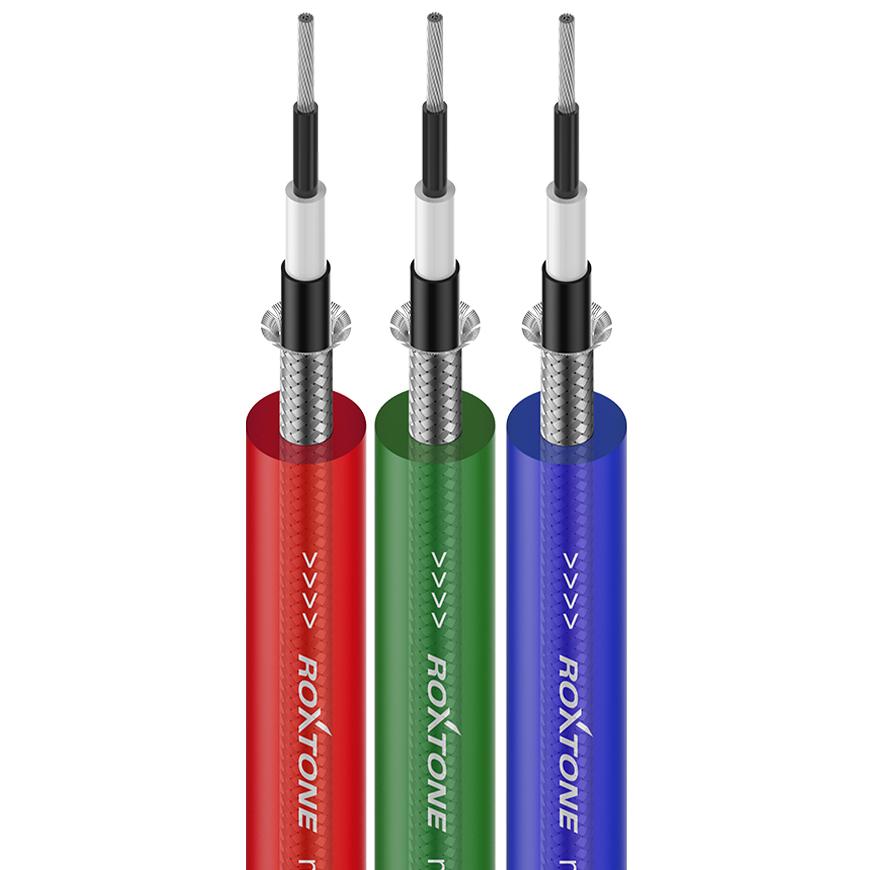
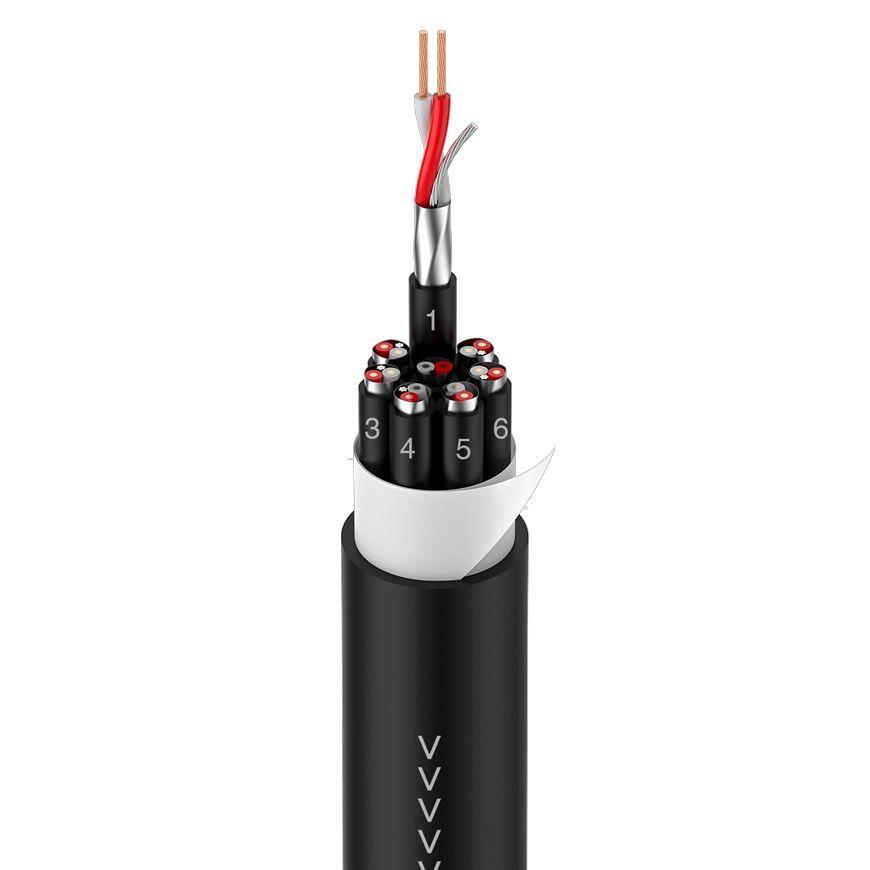
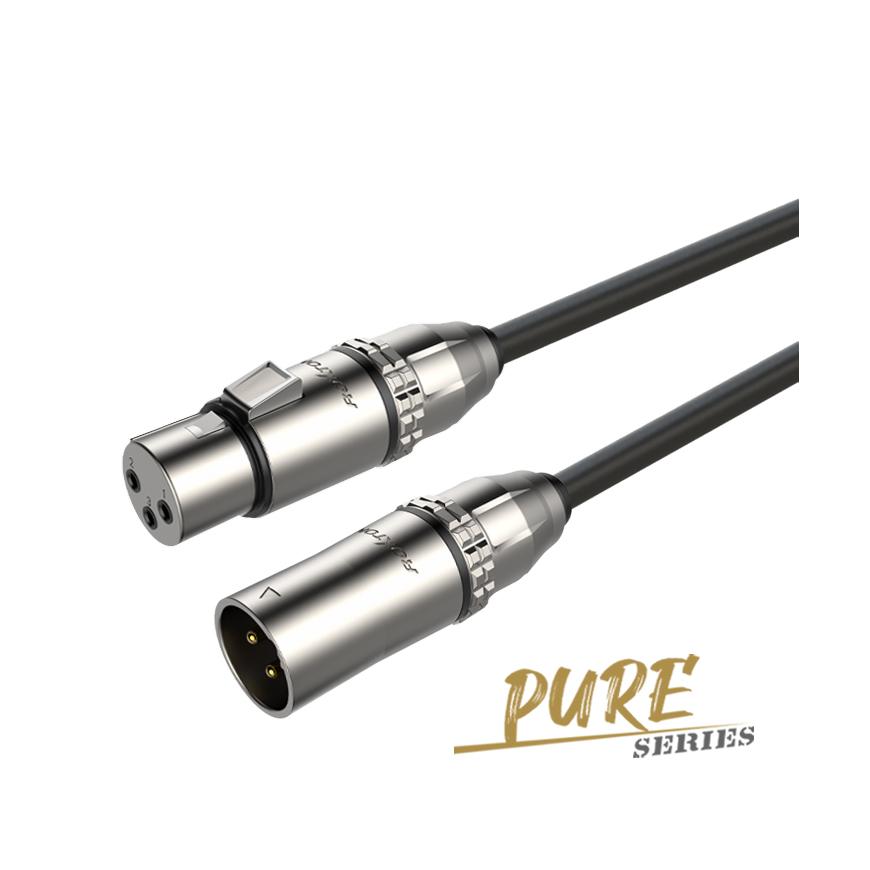
Audio channel isolation plays a crucial role in delivering immersive sound experiences. With tools like Stereo audio isolators and dual-channel audio isolators, including the innovativeaudio channel isolatorfrom ROXTONE, music enthusiasts can refine their productions. Additionally, ground loop isolators and Stereo signal isolators help eliminate unwanted noise, ensuring a clean audio output. AI-powered solutions, such as LALAL.AI and BandLab Splitter, offer cost-effective ways to enhance creativity, reflecting the growing demand for advanced yet accessible audio technology worldwide.
Key Takeaways
- Separating vocals and instruments improves sound by making it clearer.
- Free apps like Audacity and BandLab's Splitter are great for starters. Cheap paid tools have more features for serious music makers.
- AI tools help make audio separation better and more accurate. They make it simple to get pro-level results with little work.
What Is Audio Channel Isolation?
Definition and Purpose
Audio channel isolation refers to the process of separating individual audio components, such as vocals, instruments, or background noise, from a mixed track. This technique allows users to manipulate specific elements without affecting the entire audio file. It serves as a critical tool for music enthusiasts and professionals who aim to refine their audio projects. By isolating channels, users can achieve cleaner sound quality, enhance creative possibilities, and improve overall production efficiency.
Common Applications in Music Production
Audio channel isolation finds widespread use in various aspects of music production. It supports tasks ranging from remixing to mastering live recordings. The table below highlights some common applications:
| Application Example | Description |
|---|---|
| Dialogue and Music Separation | Helps clean audio by removing copyrighted music and separating speakers into different streams. |
| Stems for Remixing | Allows fans to remix or play along with iconic performances, enhancing engagement. |
| Clean Dialogue Extraction | Increases transcription accuracy by extracting clean dialogue stems. |
| Mastering Live Recordings | Used to master live recordings or mix tracks with missing stems, ensuring high-quality output. |
| Immersive Mixing | Facilitates the creation of Dolby Atmos and Sony 360 immersive mixes. |
These examples demonstrate how audio channel isolation enhances workflows and unlocks creative potential for both professionals and hobbyists.
How Audio Channel Isolators Work
Audio channel isolators function by analyzing the frequency spectrum of an audio file. Advanced algorithms identify and separate specific components, such as vocals or instruments, based on their unique frequency ranges. Some tools utilize artificial intelligence to improve accuracy, making it easier to isolate even complex audio elements. For instance, AI-powered solutions like ROXTONE's audio channel isolator provide precise separation, enabling users to achieve professional-grade results with minimal effort.
Free and Affordable Tools for Audio Channel Isolation

Audacity
Audacity is a free, open-source audio editing software that offers robust features for audio channel isolation. It allows users to separate vocals and instruments using its built-in equalizer and noise reduction tools. The software supports multi-track editing, making it ideal for remixing and mastering. Its user-friendly interface ensures accessibility for beginners while providing advanced options for professionals. Audacity's versatility and zero cost make it a popular choice among music enthusiasts.
Spleeter by Deezer
Spleeter by Deezer is an AI-powered tool designed for audio source separation. It uses pre-trained models to isolate vocals and instruments with high precision. Users can separate audio into two, four, or five stems, depending on their needs. Spleeter's command-line interface may seem complex for beginners, but its efficiency in processing large audio files makes it a favorite among professionals. The tool is free and open-source, offering exceptional value for advanced users.
Lalal.ai
Lalal.ai is an online platform that specializes in vocal and instrumental separation. Its AI-driven algorithms deliver accurate results, even for complex audio tracks. Users can upload files and preview the isolated stems before downloading. Lalal.ai offers a free plan with limited usage and paid plans for extended features. Its simplicity and effectiveness make it a go-to option for quick and reliable audio channel isolation.
Moises
Moises is a versatile app that combines audio channel isolation with additional features like pitch and tempo adjustment. It uses AI to separate vocals, instruments, and even drums from audio tracks. The app supports multi-track editing and offers a user-friendly interface. Moises provides a free plan with basic features and affordable subscription options for advanced tools. Its comprehensive functionality caters to both hobbyists and professionals.
RX 10 Elements by iZotope
RX 10 Elements by iZotope is a professional-grade tool for audio repair and enhancement. It excels in isolating vocals and removing unwanted noise. The software includes features like spectral editing and one-click cleanup, ensuring high-quality results. Although it is a paid tool, its affordability and advanced capabilities make it a valuable investment for serious music producers.
Adobe Podcast
Adobe Podcast offers AI-powered tools for audio editing and enhancement. It includes features like voice isolation, noise removal, and transcription. The platform's intuitive interface simplifies the editing process, making it accessible to users of all skill levels. Adobe Podcast provides a free plan with basic features and premium options for advanced tools. Its integration with other Adobe products enhances its appeal for creative professionals.
ElevenLabs
ElevenLabs focuses on voice cloning and audio editing. It uses advanced AI to isolate and manipulate vocal tracks with precision. The tool is ideal for creating voiceovers, podcasts, and other audio projects. ElevenLabs offers a free plan with limited features and affordable subscription options for extended capabilities. Its innovative approach to audio editing sets it apart from traditional tools.
AudioStrip
AudioStrip is an online tool designed for quick and easy audio channel isolation. Users can upload files and extract vocals or instruments within minutes. The platform's simplicity and effectiveness make it a convenient choice for casual users. AudioStrip offers a free plan with basic features and paid options for higher-quality outputs. Its straightforward functionality appeals to those seeking a hassle-free solution.
Audo Studio
Audo Studio combines voice isolation and noise removal in a single platform. It uses AI to deliver clean and professional audio results. The tool supports one-click cleanup, making it ideal for beginners. Audo Studio offers a free plan and affordable paid options, ensuring accessibility for a wide range of users. Its focus on simplicity and efficiency makes it a practical choice for quick audio editing tasks.
EaseUS Online Vocal Remover
EaseUS Online Vocal Remover is a web-based tool that specializes in vocal and instrumental separation. Users can upload audio files and extract stems with minimal effort. The platform's free plan provides basic functionality, while its paid options offer enhanced features. EaseUS Online Vocal Remover's ease of use and accessibility make it a popular choice for casual music enthusiasts.
BandLab's Splitter
BandLab's Splitter is an AI-powered tool that separates audio into multiple stems. It supports vocal, instrumental, bass, and drum isolation, catering to diverse music production needs. The tool is integrated into the BandLab platform, allowing seamless collaboration and editing. BandLab's Splitter is free to use, making it an excellent option for budget-conscious users.
DaVinci Resolve
DaVinci Resolve is a professional video editing software that includes advanced audio editing features. It supports multi-track editing and audio channel isolation, making it suitable for complex projects. The software offers a free version with robust features and a paid version for additional tools. DaVinci Resolve's versatility and high-quality output make it a preferred choice for professionals in both audio and video production.
Pro Tip: When selecting an audio channel isolator, consider factors like ease of use, accuracy, and additional features. Tools like Lalal.ai and Audo Studio offer excellent free plans, while RX 10 Elements and Moises provide affordable options for advanced users.
Comparing Audio Channel Isolators

Key Features to Look For
When evaluating an audio channel isolator, users should prioritize specific features to ensure optimal performance. Accuracy in isolating vocals or instruments is critical, as it directly impacts the quality of the output. Tools that utilize AI-driven algorithms often deliver superior precision. Ease of use is another essential factor. A user-friendly interface can significantly reduce the learning curve, especially for beginners. Compatibility with various audio formats ensures flexibility, while additional features like noise reduction or multi-track editing enhance functionality. Lastly, consider the processing speed. Faster tools save time, particularly when working with large audio files.
Pros and Cons of Free Tools
Free tools offer an excellent starting point for music enthusiasts. They provide basic functionalities like vocal and instrumental separation without any financial commitment. Options like Audacity and BandLab's Splitter are widely accessible and easy to use. However, free tools often come with limitations. They may lack advanced features or deliver inconsistent results for complex audio tracks. Additionally, some free options impose restrictions on file size or processing capabilities, which can hinder professional-grade projects.
Pros and Cons of Affordable Paid Tools
Affordable paid tools bridge the gap between free options and high-end software. They often include advanced features like spectral editing, AI-powered isolation, and noise removal. Tools like RX 10 Elements by iZotope offer professional-grade results at a reasonable cost. Paid tools also tend to provide better customer support and regular updates. However, they require an upfront investment, which may not suit casual users. Despite this, their enhanced capabilities make them a valuable asset for serious music producers.
How to Use Popular Audio Channel Isolators
Step-by-Step Guide for Audacity
Audacity provides a straightforward approach to audio channel isolation. Its intuitive interface and robust features make it accessible for beginners and professionals alike. Follow these steps to isolate audio channels using Audacity:
-
Download and Install Audacity
Visit the official Audacity website and download the software for your operating system. Install it by following the on-screen instructions. -
Import the Audio File
Open Audacity and click on "File" > "Import" > "Audio." Select the file you want to edit. Audacity will display the audio waveform on the timeline. -
Duplicate the Track
Right-click on the audio track and select "Duplicate." This step creates a backup of the original file, allowing you to experiment without losing the original audio. -
Apply Equalization
Highlight the duplicated track and navigate to "Effect" > "Equalization." Adjust the frequency sliders to isolate specific components, such as vocals or instruments. For vocal isolation, reduce frequencies below 200 Hz and above 4,000 Hz. -
Use Noise Reduction
Select a portion of the audio with background noise. Go to "Effect" > "Noise Reduction" and click "Get Noise Profile." Then, apply the noise reduction effect to the entire track to clean up unwanted sounds. -
Export the Isolated Audio
Once satisfied with the results, click "File" > "Export" > "Export as WAV" or "Export as MP3." Choose your preferred format and save the file.
Audacity's versatility allows users to refine their audio projects with precision. Its free availability makes it an excellent choice for those exploring audio channel isolation.
Step-by-Step Guide for Spleeter
Spleeter by Deezer stands out for its speed and efficiency in audio channel isolation. Its AI-powered algorithms deliver high-quality results, making it a favorite among professionals. Follow these steps to use Spleeter effectively:
-
Install Spleeter
Spleeter requires Python to run. Install Python from its official website, then open a terminal and type the following command to install Spleeter:pip install spleeter -
Prepare Your Audio File
Place the audio file you want to process in a dedicated folder. Ensure the file is in a supported format, such as MP3 or WAV. -
Run Spleeter
In the terminal, navigate to the folder containing your audio file. Use the following command to separate the audio into two stems (vocals and accompaniment):spleeter separate -i input_audio.mp3 -o output_folderReplace
input_audio.mp3with your file name andoutput_folderwith the desired output directory. -
Choose Stem Options
Spleeter allows users to separate audio into two, four, or five stems. For example, to extract vocals, bass, drums, and other instruments, use:spleeter separate -i input_audio.mp3 -p spleeter:4stems -o output_folder -
Review the Output
Open the output folder to find the isolated stems. Each stem will be saved as a separate audio file, labeled according to its content (e.g., vocals.wav, accompaniment.wav).
Spleeter's lightweight design and exceptional speed make it ideal for batch processing. Comparative studies highlight its ability to process 50 songs in under 2 minutes on modern GPUs, outperforming resource-intensive tools like Demucs. This efficiency ensures that users can isolate audio channels quickly and reliably, even for large-scale projects.
Tips for Achieving the Best Results
Choosing the Right Tool for Your Needs
Selecting the ideal tool depends on your specific requirements and skill level. Beginners may benefit from user-friendly platforms like Audacity or Lalal.ai, which offer straightforward interfaces and essential features. Professionals working on complex projects might prefer advanced tools such as RX 10 Elements or Spleeter, which provide precise audio separation and additional functionalities. Compatibility with your operating system and supported file formats should also influence your decision. Evaluating the processing speed of the tool is equally important, especially when handling large audio files.
Tip: Test multiple tools to identify the one that aligns with your workflow and delivers the desired results.
Optimizing Input Audio Quality
High-quality input audio ensures better isolation results. Pre-processing techniques can significantly enhance clarity and reduce noise. Consider the following strategies:
- Frequency response analyses improve audio clarity by identifying and balancing frequency ranges.
- Spectrograms visually represent audio frequencies over time, aiding in feature extraction.
- Spectral Gating and Per Channel Energy Normalization (PCEN) reduce noise and balance signals effectively.
- Audio filters, such as low pass and high pass filters, modify signals based on frequency characteristics.
Additionally, follow these steps for optimal pre-processing:
- Normalize audio to maintain consistent volume levels.
- Apply noise reduction to eliminate background interference.
- Use data augmentation techniques like pitch shifting or time stretching to create robust datasets.
These methods ensure that the audio channel isolator performs at its best, delivering cleaner and more accurate results.
Post-Isolation Editing Tips
After isolating audio channels, refine the output to achieve professional-grade quality. Begin by reviewing the isolated stems for any residual noise or artifacts. Use equalization to balance frequencies and enhance the clarity of individual components. For vocals, consider applying reverb or compression to improve their presence in the mix. Instruments may benefit from fine-tuning their dynamics and stereo placement.
Pro Tip: Save multiple versions of your edits to experiment with different effects and settings without losing your progress.
Finally, integrate the isolated and edited stems into your project seamlessly. This approach ensures a polished and cohesive final production.
Audio channel isolation empowers music enthusiasts to unlock new creative possibilities. Tools like AI vocal removers enable karaoke creation, remixing, and detailed song analysis. These innovations simplify complex tasks, making professional-grade results accessible. With free and affordable options available, anyone can explore an audio channel isolator to elevate their music projects effortlessly.
FAQ
How do audio channel isolators improve music production?
Audio channel isolators enable precise separation of vocals and instruments. This enhances editing flexibility, improves sound quality, and supports creative remixing or mastering workflows.
Are free tools reliable for professional projects?
Free tools like Audacity and BandLab Splitter offer basic functionality. While suitable for casual use, professionals may prefer paid tools for advanced features and consistent results.
Can ROXTONE's audio channel isolator handle complex tracks?
ROXTONE's isolator uses advanced algorithms to separate intricate audio components. It delivers professional-grade results, making it ideal for complex music production tasks.