


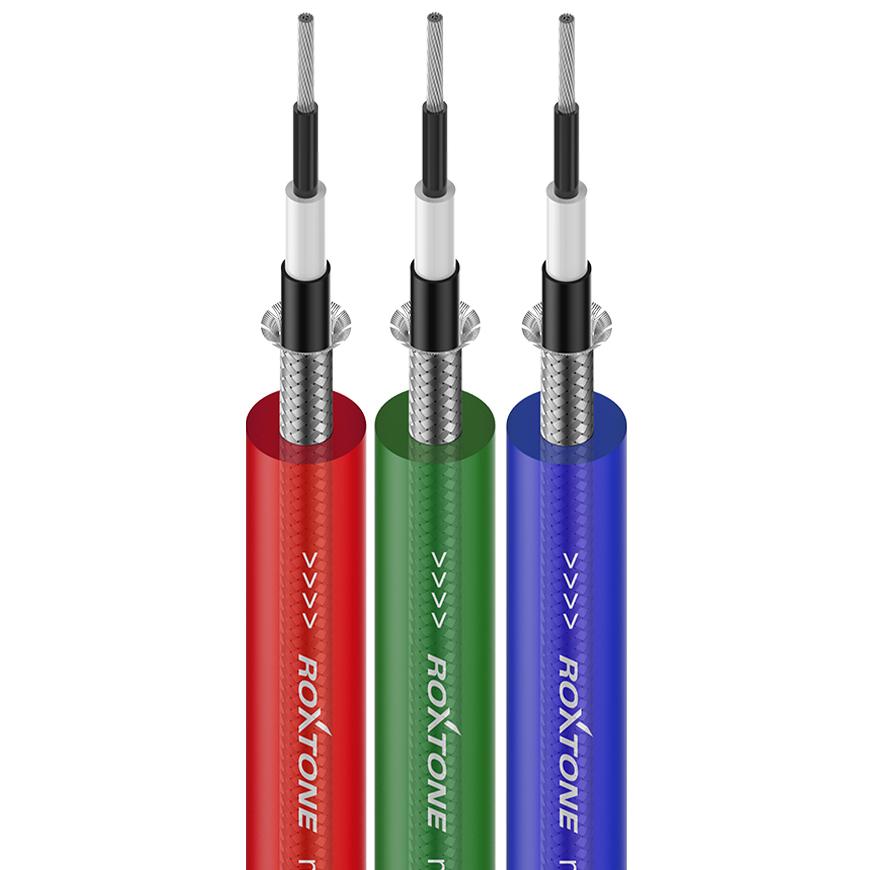
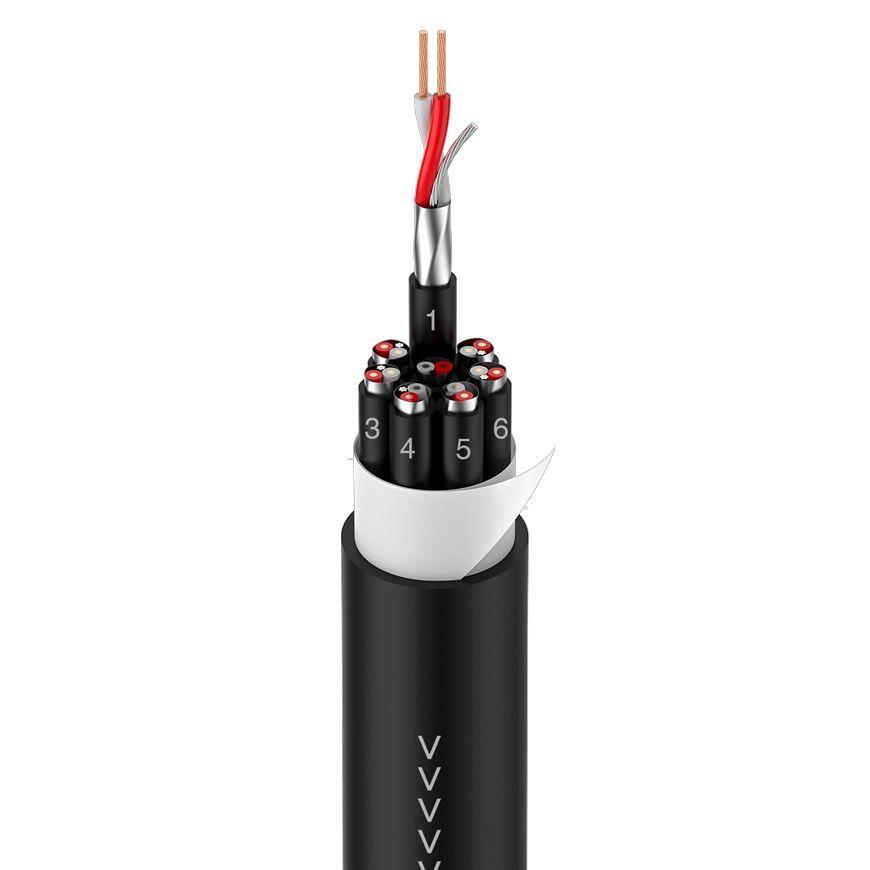


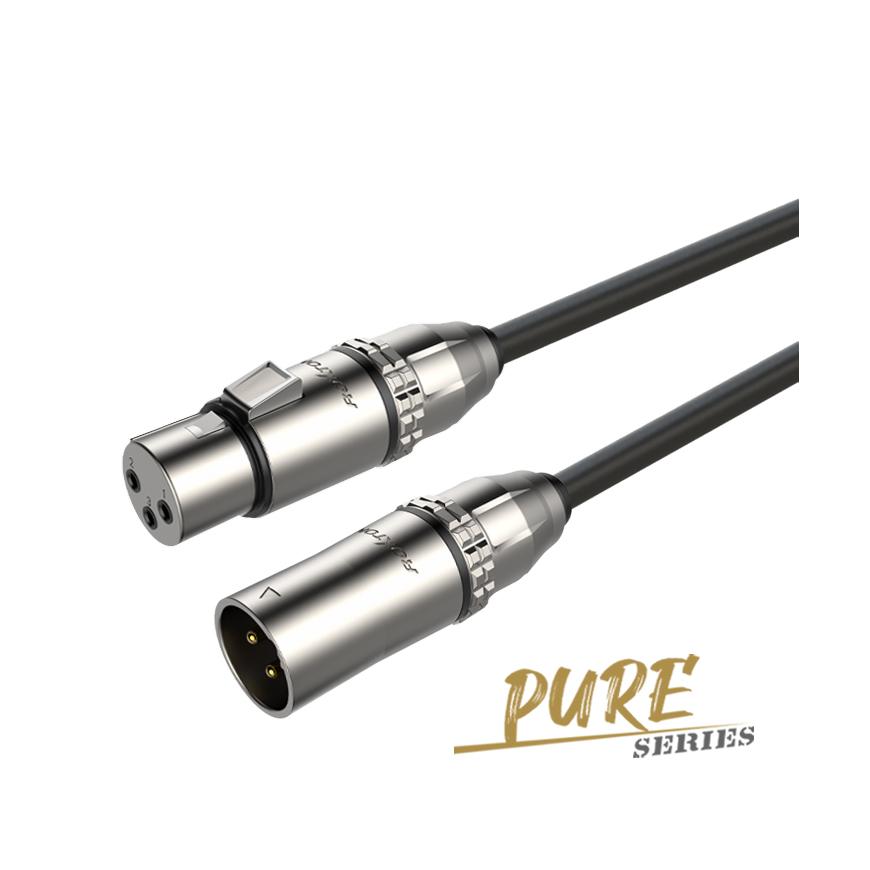

Connecting Audio Speaker Plugs for Superior Sound Quality
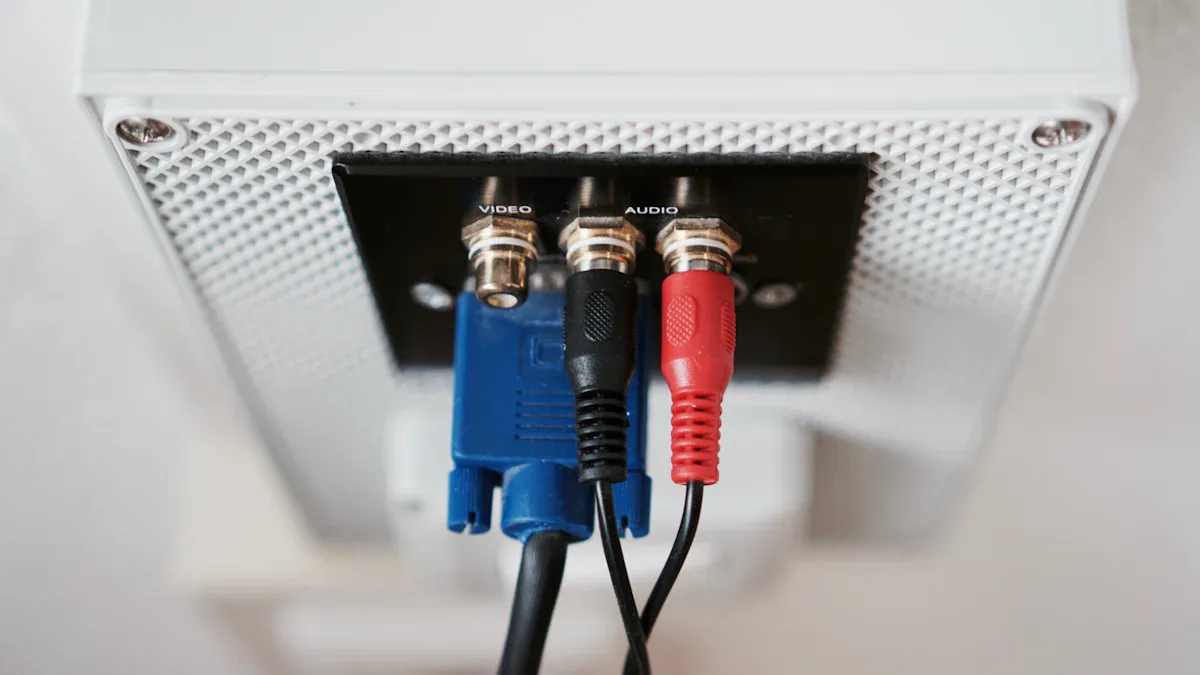
Audio speaker plugs ensure a seamless connection between components. Banana plug connectors simplify the process while enhancing sound clarity. Binding post connectors provide a secure fit, reducing interference. Loudspeaker connectors eliminate the hassle of bare wires. Speaker cable connectors improve durability, making them essential for high-quality audio systems.
Key Takeaways
- Audio speaker plugs improve sound by making strong, secure connections.
- Banana plugs are easy to use and great for moving setups.
- Twisting wires tightly helps make good connections and clear sound.
Why Use Audio Speaker Plugs?
Improved connection quality and reduced signal loss
Audio speaker plugs provide a secure and stable connection, which is essential for maintaining sound clarity. Unlike bare wires, which can loosen over time, these plugs ensure consistent contact with terminals. Research highlights the importance of managing signal attenuation to maintain a high signal-to-noise ratio. This approach minimizes distortion and preserves the integrity of the audio signal. Additionally, Speaker Cables equipped with quality connectors exhibitmeasurable improvements in sound performance. While the differences may seem subtle, they contribute to a more refined listening experience.
Ease of use and faster setup
Installing Audio speaker plugs simplifies the process of connecting speakers to an audio system. Users no longer need to deal with frayed wires or complex terminal setups. Instead, plugs like banana connectors allow for quick and hassle-free installation. This convenience is especially beneficial for those frequently rearranging their audio equipment. The streamlined setup process saves time and reduces the risk of errors, ensuring a reliable connection every time.
Aesthetic benefits and cleaner cable management
Audio speaker plugs also enhance the visual appeal of an audio system. Their compact and uniform design eliminates the clutter caused by exposed wires. For instance, the refined design of modern speaker cables, such as those with double shielding and advanced insulating materials, not only improves sound quality but also aligns with the aesthetics of high-end Hi-Fi systems. These features transform an audio setup into a visually pleasing and organized space, making it both functional and stylish.
Types of Audio Speaker Plugs
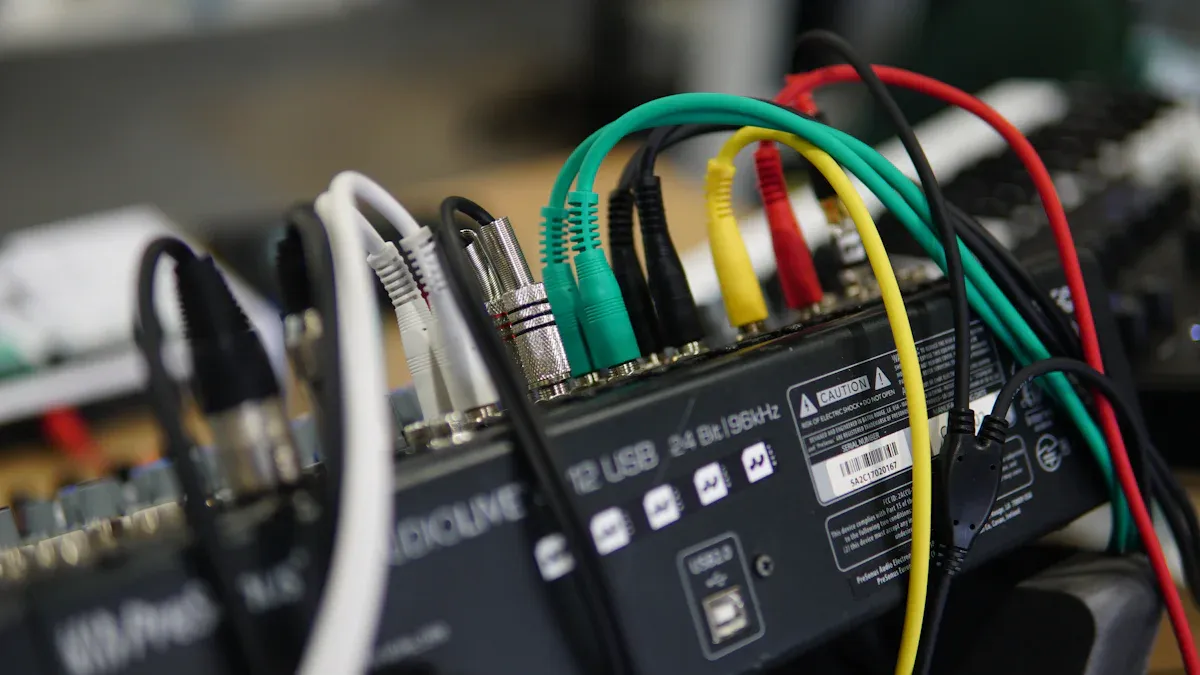
Banana plugs: Versatile and easy to use
Banana plugs are among the most popular choices for connecting speaker wires to audio equipment. Their design ensures a secure and reliable connection, which enhances sound quality. These plugs eliminate the need to strip or twist wire ends, reducing the risk of fraying or damage.
- Key advantages include:
- Simplified installation and maintenance.
- Protection against wear and tear, ensuring long-lasting connections.
- Hassle-free attachment to binding posts, making them ideal for users who frequently upgrade or rearrange their audio systems.
Tip: Banana plugs are particularly beneficial for high-performance setups where consistent signal transmission is critical.
Spade connectors: Ideal for tight terminal spaces
Spade connectors excel in situations where space is limited. Their U-shaped design allows them to fit snugly around binding posts, ensuring a stable connection. These connectors are especially useful for amplifiers and receivers with closely spaced terminals.
-
Performance metrics:
Parameter Value Insertion Loss < -0.2 dB Damping Factor > 50
Spade connectors also provide a secure fit that minimizes the risk of accidental disconnection, making them a reliable choice for compact audio setups.
Pin connectors: Best for spring-clip terminals
Pin connectors are specifically designed for spring-clip terminals, which are common in older or budget-friendly audio systems. Their slim, cylindrical shape allows them to slide easily into these terminals, creating a firm connection.
- Benefits include:
- Compatibility with a wide range of spring-clip terminals.
- Prevention of wire fraying, ensuring a clean and durable connection.
Pin connectors are an excellent option for users looking to upgrade their audio systems without replacing existing components.
RCA connectors: Common for home theater systems
RCA connectors are a staple in home theater setups, known for their ability to transmit both audio and video signals. Their robust design and advanced materials contribute to superior performance.
-
Key features:
Feature Description Conductor Geometry ARAY conductor geometry enhances cohesion and timing, ensuring controlled and well-defined sound. Materials Used Oxygen-free copper conductors improve signal integrity and reduce distortion. Shielding Techniques Dual-layer heavy-gauge foil shielding minimizes interference and crosstalk for a cleaner sound. Insulation XLPE insulation is a high-performance material that enhances signal integrity. Connector Type ChorAlloy-plated RCA connectors improve signal transfer and resist tarnishing. Recommended Use Best suited for mid-to-high-end audio systems to unlock full potential.
RCA connectors are ideal for users seeking a seamless and immersive home theater experience.
Bare wire ferrules: Prevent corrosion and improve contact
Bare wire ferrules are small metal sleeves that protect the ends of speaker wires. They prevent corrosion and ensure a stable connection over time.
- Long-term studies have demonstrated their effectiveness:
- Tests in climate-controlled environments revealed that unprotected wires experienced increased contact resistance due to corrosion.
- Ferrules create a gas-tight connection, safeguarding wires from environmental factors like humidity and salt.
Note: Ferrules are particularly valuable in coastal areas or regions with high humidity, where corrosion is a common issue.
By using the right type of audio speaker plugs, users can optimize their audio systems for superior sound quality and long-term reliability.
Step-by-Step Guide to Using Banana Plugs
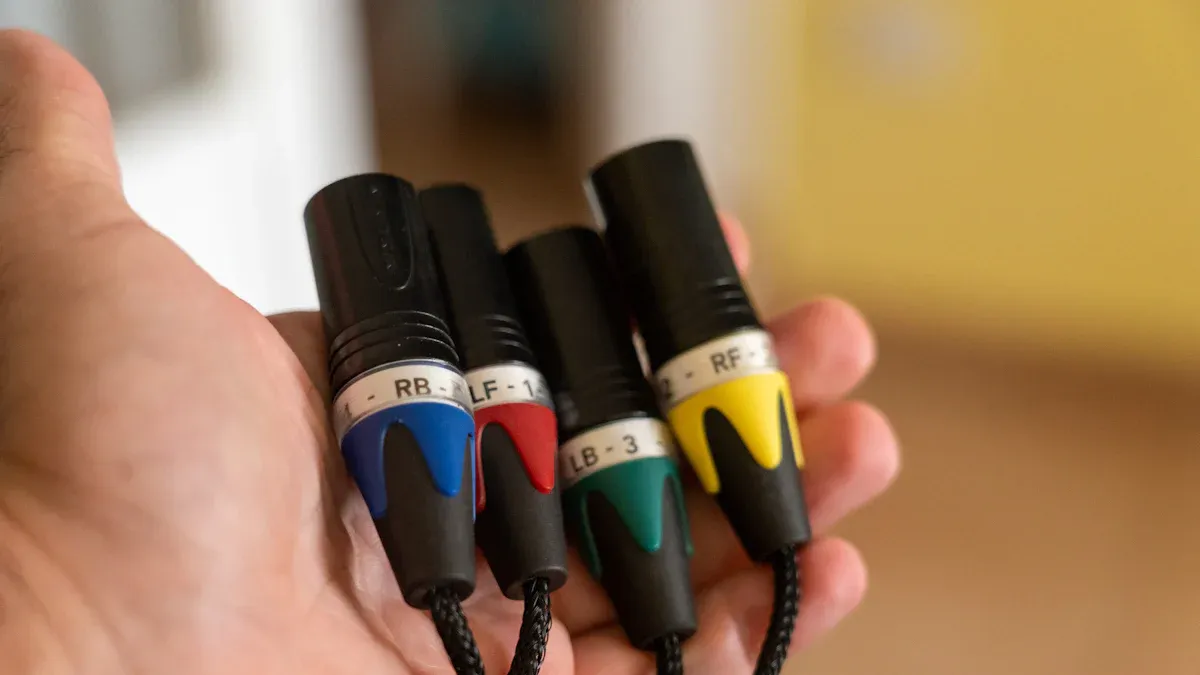
Tools and materials needed
Installing banana plugs requires a few essential tools and materials to ensure a secure and efficient connection. These items simplify the process and improve the overall performance of your audio system.
-
Tools:
- Wire cutters for precise trimming of speaker wires.
- Wire strippers to remove insulation cleanly without damaging the wire.
- Screwdrivers (if required) for tightening the banana plug components.
- Heat shrink tubing or electrical tape for added protection (optional).
-
Materials:
- High-quality banana plugs designed for durability and optimal signal transfer.
- Speaker wires compatible with your audio system.
Using the right tools and materials not only streamlines the installation process but also ensures a reliable connection that enhances sound quality. Expert recommendations suggest investing in premium banana plugs and tools to achieve the best results.
Preparing the speaker wire: Cutting, stripping, and twisting
Proper preparation of the speaker wire is crucial for a successful banana plug installation. Each step ensures the wire is ready for a secure connection.
| Technique | Description |
|---|---|
| Wire Cutting | Use wire cutters to trim the wire to the desired length, ensuring clean edges. |
| Wire Stripping | Remove approximately 1/2 inch of insulation from the wire ends using a wire stripper. |
| Wire Termination | Twist the exposed strands tightly to prevent fraying and improve contact. |
| Wire Protection | Apply heat shrink tubing or electrical tape to protect the wire ends (optional). |
| Cable Preparation | For shielded cables, carefully separate the shielding from the core wires. |
Twisting the exposed wire strands tightly is particularly important. It prevents loose strands from interfering with the connection and ensures consistent signal transmission. Following these techniques guarantees that the speaker wire is ready for the next step.
Attaching the banana plugs securely
Once the speaker wire is prepared, attaching the banana plugs becomes a straightforward process. Follow these steps to ensure a secure and stable connection:
- Insert the wire: Slide the twisted wire into the banana plug's opening. Ensure all strands fit inside without protruding.
- Tighten the connection: Use a screwdriver or the plug's built-in mechanism to secure the wire. This step prevents the wire from loosening over time.
- Check for stability: Gently tug on the wire to confirm it is firmly attached to the plug.
High-quality banana plugs often feature gold-plated connectors, which enhance conductivity and resist corrosion. These features contribute to superior sound quality and long-term reliability.
Testing the connection for stability and sound quality
After attaching the banana plugs, testing the connection ensures optimal performance. Follow these steps to verify stability and sound quality:
- Inspect the physical connection: Confirm that all plugs are securely attached to the speaker and amplifier terminals.
- Power on the system: Turn on the audio system and play a familiar track to evaluate sound clarity.
- Listen for issues: Pay attention to any distortions, interruptions, or imbalances in the audio output.
- Adjust if necessary: If issues arise, recheck the connections and tighten any loose plugs.
Testing the connection not only ensures stability but also allows users to experience the enhanced sound quality provided by properly installed banana plugs. This step is essential for achieving the best performance from your audio speaker plugs.
Tips for Using Other Connector Types
Spade connectors: Ensuring a snug fit
Spade connectors are ideal for tight terminal spaces, but achieving a snug fit is essential for optimal performance. Users should ensure the U-shaped spade fits securely around the binding post. Tightening the post firmly without overdoing it prevents accidental disconnections. Over-tightening can damage the connector or terminal, so applying just enough pressure is key.
For enhanced stability, high-quality spade connectors with corrosion-resistant materials, such as gold plating, are recommended. These materials improve conductivity and ensure long-term reliability. Regularly inspecting the connections helps maintain their integrity and prevents signal loss over time.
Pin connectors: Avoiding loose connections
Pin connectors work best with spring-clip terminals, but loose connections can compromise sound quality. To avoid this issue, users should follow these best practices:
- Inspect all connections regularly to ensure they remain secure.
- Firmly tighten binding posts without over-tightening to maintain proper electrical contact.
- Use a torque wrench set to the correct value for the connector type to prevent deformation of mating surfaces.
Proper maintenance and careful handling of pin connectors ensure a stable and reliable connection, enhancing the overall audio experience.
RCA connectors: Proper alignment for optimal performance
Proper alignment of RCA connectors is crucial for maintaining signal integrity and reducing interference. Misaligned connectors can lead to signal loss or distortion. High-density RCA cables, featuring pure copper conductors and dual-layer shielding, minimize external noise and ensure clear audio transmission. These cables perform exceptionally well in environments with high electromagnetic interference.
Switching from basic coaxial cables to premium twisted-pair cables with extensive shielding can also improve audio quality. Frequency response measurements show that even inexpensive coaxial cables deliver a flat response across a wide range. However, proper alignment and quality materials in RCA connectors unlock the full potential of an audio system.
Bare wire ferrules: Crimping techniques for secure connections
Crimping bare wire ferrules correctly ensures a secure and durable connection. Selecting the right ferrule size is critical. A ferrule that is too large won’t grip the wire properly, while one that is too small can damage the strands. Using the appropriate crimping tool applies uniform pressure, which is essential for a reliable connection.
After crimping, users should inspect the ferrule for loose strands or uneven crimps. Electrical testing can confirm the connection’s conductivity and integrity. Regular inspections as part of maintenance protocols help detect potential issues early, ensuring long-term performance and safety.
Common Mistakes to Avoid
Improper wire stripping leading to poor connections
Improperly stripped wires often result in weak or unstable connections. When users strip too much insulation, exposed wires may touch other terminals, causing short circuits. Stripping too little insulation prevents proper contact with the connector, leading to signal loss. Using a high-quality wire stripper ensures clean and precise removal of insulation. This tool minimizes the risk of damaging the wire strands, which is critical for maintaining signal integrity.
Tip: Always twist the exposed wire strands tightly after stripping to prevent fraying and ensure a secure fit within the connector.
Loose or mismatched plugs causing signal loss
Loose or mismatched plugs can significantly degrade audio performance. A loose connection interrupts the signal flow, resulting in intermittent sound or distortion. Mismatched plugs, such as using banana plugs with spring-clip terminals, fail to establish proper contact. Users should verify that their connectors match the terminal type and fit snugly. Regularly inspecting connections helps identify and resolve these issues before they affect sound quality.
Using incompatible connectors with your speaker system
Incompatible connectors can lead to various performance issues, including poor sound quality or complete signal failure. Common problems include:
- Loose connections: Intermittent sound or no sound at all.
- Faulty cables: Distortion, crackling sounds, or silence.
- Dirty connections: Poor conductivity and degraded sound quality.
- Incompatible connections: Reduced performance or no sound output.
Selecting connectors designed for your specific speaker system ensures optimal performance and prevents these issues.
Overloading amplifiers with stacked banana plugs
Stacking multiple banana plugs on a single terminal may overload the amplifier. This practice increases the electrical load, potentially causing overheating or damage to the amplifier. Users should avoid stacking unless the amplifier explicitly supports it. Instead, consider using a speaker selector switch to manage multiple connections safely. Proper load management protects the amplifier and ensures consistent audio performance.
Note: Always consult the amplifier's manual to confirm its capacity for handling multiple connections.
Using the right audio speaker plugs improves sound quality and simplifies audio setups. Proper installation techniques and avoiding common errors ensure optimal performance. Experimenting with connector types, such as those offered by ROXTONE, allows users to tailor their systems for superior audio experiences.
FAQ
How do I choose the right audio speaker plug for my system?
Select plugs based on terminal type and space constraints. Banana plugs suit most setups, while spade connectors work well in tight spaces. Compatibility ensures optimal performance.
Can I use multiple connectors for one speaker system?
Yes, but avoid overloading the amplifier. Use a speaker selector switch for safe management. Consult the amplifier manual to confirm its capacity for multiple connections.
Do audio speaker plugs improve sound quality?
Yes, they reduce signal loss and ensure stable connections. High-quality plugs, like those offered by ROXTONE, enhance clarity and durability for superior audio performance. 🎵