





Beginner’s Guide to Speaker Cable Connectors and Easy Installation
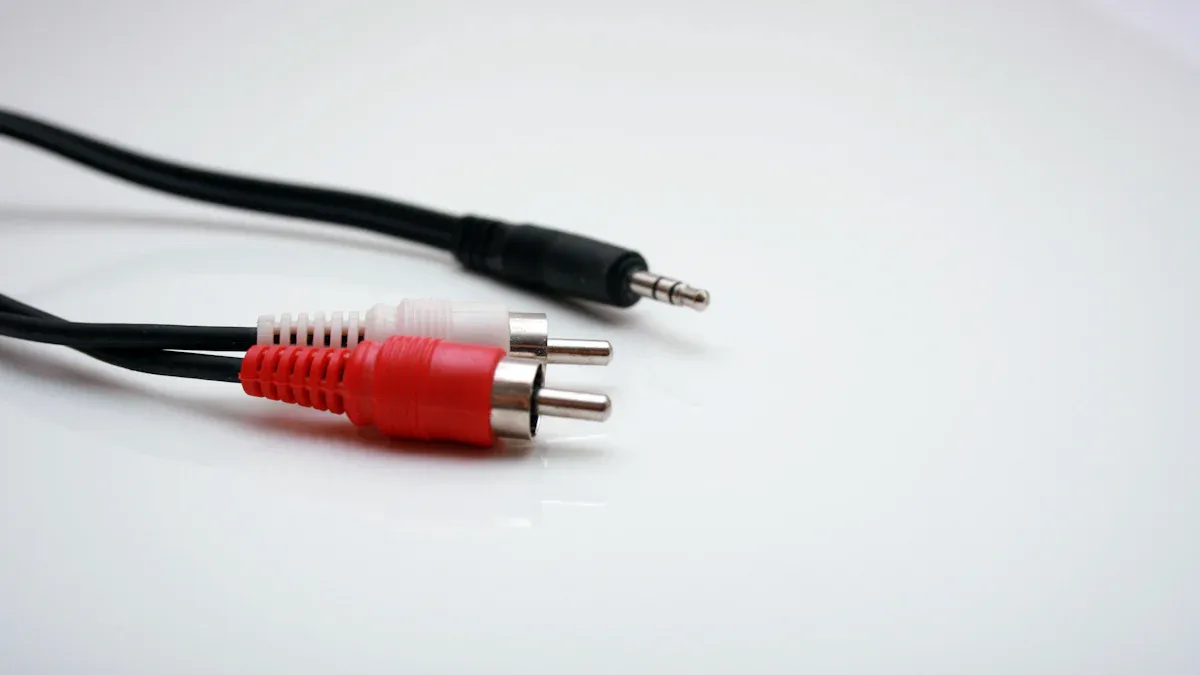
Speaker cable connectors help you link speakers to audio equipment. You select from different types, each with a unique design. The right connector improves sound quality and makes your setup easier. You get better music and fewer connection problems when you pick the right one.
Key Takeaways
- Choose speaker cable connectors that match your equipment for the best sound and easy setup.
- Banana plugs offer quick, neat connections and are great for home audio systems.
- Follow simple steps to prepare wires and attach connectors securely to enjoy clear, reliable sound.
Main Types of Speaker Cable Connectors
Bare Wire
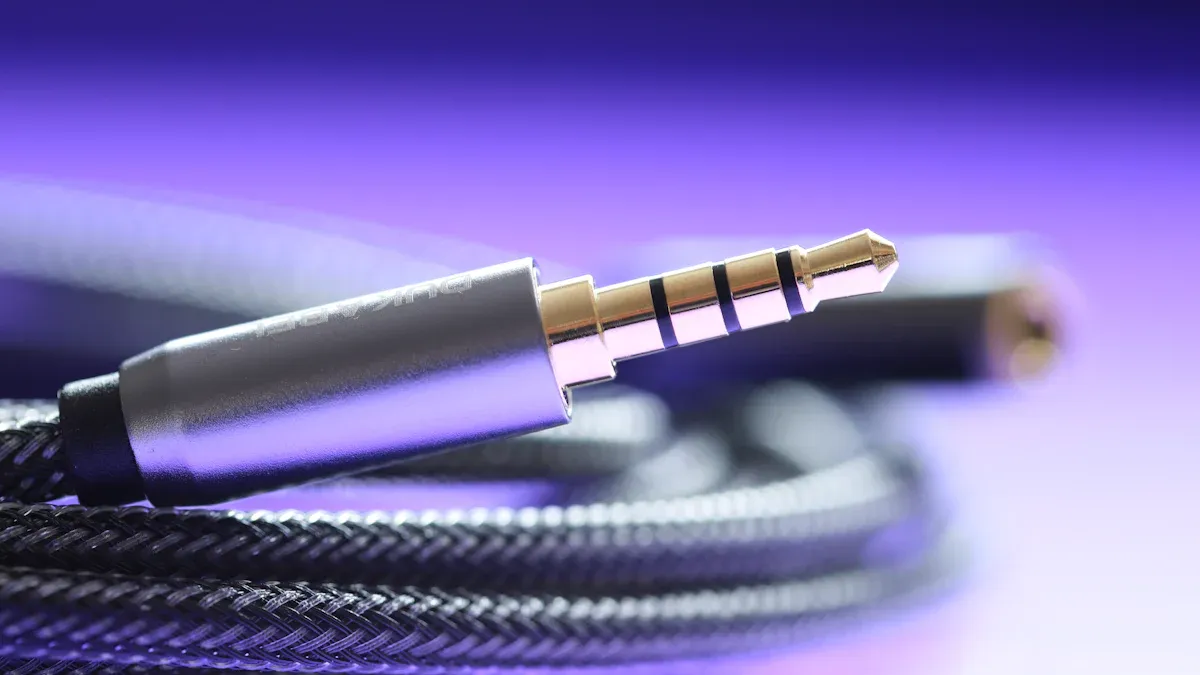
You can use bare wire when you want a simple connection. Strip the insulation from the end of the speaker wire and twist the strands together. Insert the wire directly into the speaker or receiver terminal. Bare wire works well for quick setups. You do not need special tools or extra parts. However, the exposed wire can corrode over time.
Banana Plugs
Banana plugs make connecting and disconnecting your speakers easy. You attach these plugs to the ends of your speaker wires. Then, you push the plugs into the speaker terminals. Banana plugs give you a secure fit and help prevent stray wire strands. Many people choose banana plugs for home audio systems because they look neat and save time.
Spade Connectors
Spade connectors have a forked shape. You slide the spade under the binding post on your speaker or receiver. Tighten the post to hold the connector in place. Spade connectors give you a strong and stable connection. You often see them in high-end audio setups.
Pin Connectors
Pin connectors have a thin metal pin at the end. You insert the pin into spring-clip terminals. These connectors work best with older or budget equipment. Pin connectors are easy to use, but they may not fit all types of speaker Cable Connectors.
Speakon Connectors
Speakon connectors are common in professional audio setups. You twist and lock them into place. This design keeps the connection secure during live events. Speakon connectors handle high power and reduce the risk of accidental disconnection.
Tip: Choose the type of speaker cable connectors that match your equipment and setup needs.
Pros, Cons, and Best Uses of Speaker Cable Connectors
Bare Wire
You get a simple and direct connection with bare wire.
Pros:
- No extra parts needed
- Easy to set up
- Works with most terminals
Cons:
- Wires can fray or corrode
- Not as secure as other options
- Harder to move or reconnect
Best Use: Choose bare wire for quick setups or when you want to test speakers.
Banana Plugs
Banana plugs help you connect and disconnect wires fast.
Pros:
- Quick to install
- Clean and organized look
- Prevents stray wire strands
Cons:
- Costs more than bare wire
- Needs extra parts
- May not fit all terminals
Best Use: Use banana plugs for home audio systems where you want easy changes.
Spade Connectors
Spade connectors give you a strong and stable fit.
Pros:
- Secure connection
- Good for tight spaces
- Less likely to slip out
Cons:
- Needs a binding post
- Takes more time to install
- Not for spring-clip terminals
Best Use: Pick spade connectors for high-end or permanent setups.
Pin Connectors
Pin connectors work well with spring-clip terminals.
Pros:
- Simple to use
- Fits older equipment
- No special tools needed
Cons:
- Not as secure as spades or bananas
- May loosen over time
- Limited to certain terminals
Best Use: Try pin connectors for budget or older speaker systems.
Speakon Connectors
Speakon connectors lock in place for safety.
Pros:
- Very secure
- Handles high power
- Prevents accidental unplugging
Cons:
- Needs matching jacks
- Not common in home systems
- Costs more than basic connectors
Best Use: Use Speakon connectors for live events or professional audio setups.
Note: Speaker cable connectors each have their own strengths. Pick the one that matches your needs and equipment.
How to Choose the Right Speaker Cable Connectors
Equipment Compatibility
You need to check if your connectors match your audio equipment. Look at the terminals on your speakers and receiver. Some use binding posts, while others use spring clips or special jacks. For example, banana plugs and spade connectors fit binding posts. Pin connectors work with spring clips. Speakon connectors need matching jacks, often found in pro audio gear.
Tip: Always read your equipment manual before buying connectors. This helps you avoid returns and frustration.
Ease of Installation
You want a connector that you can install without trouble. Bare wire gives you a quick setup, but it can be messy. Banana plugs and pin connectors make installation simple and fast. Spade connectors take a little more time, but they offer a tight fit. Speakon connectors twist and lock, so you get a secure connection with little effort.
Here is a quick comparison:
| Connector Type | Installation Difficulty |
|---|---|
| Bare Wire | Easy |
| Banana Plug | Easy |
| Spade Connector | Moderate |
| Pin Connector | Easy |
| Speakon | Easy |
Sound Quality and Reliability
You want your music to sound clear and strong. Good speaker cable connectors help prevent signal loss. Banana plugs and spade connectors give you a solid connection, which means better sound. Bare wire can work well, but it may corrode over time. Speakon connectors offer top reliability for high-power setups.
Note: A secure connection keeps your system running smoothly and your sound at its best.
Step-by-Step Installation Guide for Banana Plug Speaker Cable Connectors
Tools and Materials Needed
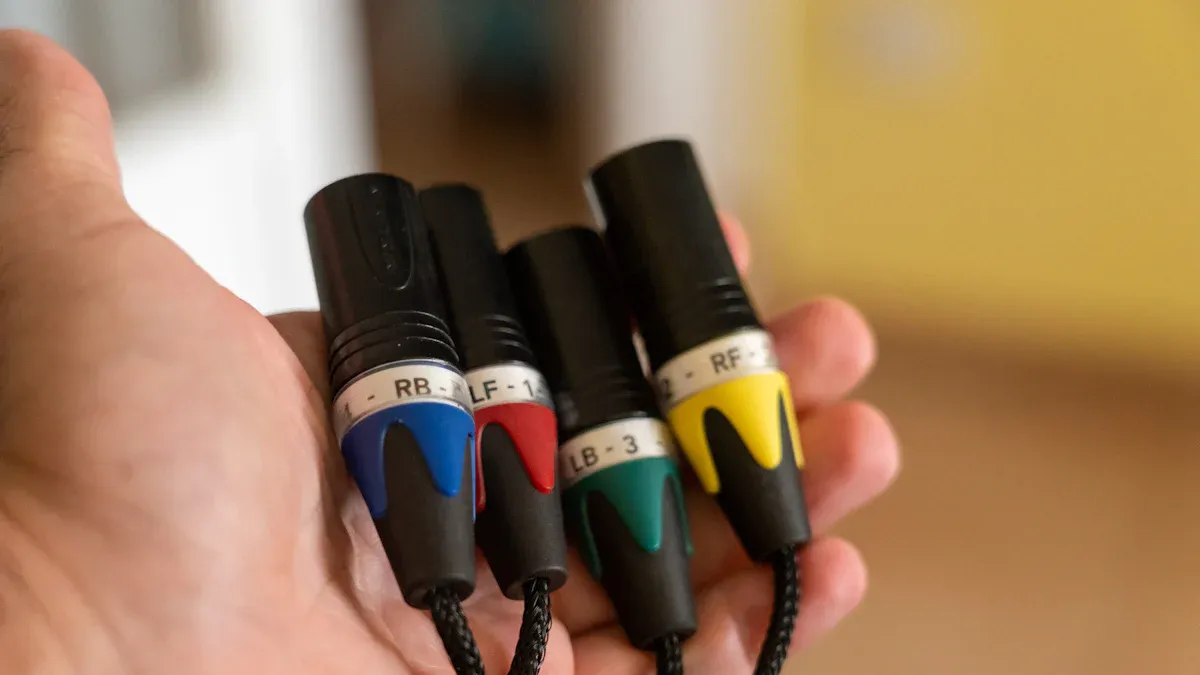
Before you start, gather everything you need. This helps you work faster and avoid mistakes. Here is a list of tools and materials:
- Speaker wire (the right length for your setup)
- Banana plugs (one for each wire end)
- Wire stripper or sharp scissors
- Small screwdriver (if your banana plugs need tightening)
- Tape measure (to check wire length)
- Optional: Multimeter (to test your connection)
Tip: Choose banana plugs that match the size of your speaker wire. Most plugs fit 12- to 18-gauge wire.
Preparing the Speaker Wire
You need to prepare the wire before you attach the banana plugs. Follow these steps:
- Measure and cut the speaker wire to the length you need.
- Use the wire stripper to remove about 1/2 inch (1.25 cm) of insulation from each end.
- Twist the exposed copper strands together. This keeps the wire neat and stops stray strands from causing problems.
Safety Note: Make sure the wire is not plugged into any equipment while you work.
Attaching the Banana Plug
Now you can attach the banana plug to the prepared wire. There are two main types of banana plugs: screw-on and solder-type. Most people use screw-on plugs because they are easier.
For screw-on banana plugs:
- Unscrew the bottom part of the plug to open it.
- Insert the twisted wire into the hole or channel inside the plug.
- Tighten the screw or cap to hold the wire in place. Make sure the wire does not stick out.
- Tug gently on the wire to check if it is secure.
For solder-type banana plugs:
- Heat up your soldering iron.
- Insert the wire into the plug’s hole.
- Apply a small amount of solder to join the wire and plug.
- Let it cool before moving the plug.
Tip: Always follow the instructions that come with your banana plugs. Some brands have special steps.
Connecting to Your Equipment
You are ready to connect your speaker cable connectors to your audio equipment.
- Find the binding posts on your speakers and receiver.
- Insert the banana plug into the hole in the center of the binding post. Push until it fits snugly.
- Repeat for each wire and terminal.
- Double-check that each plug is secure and matches the correct channel (left or right).
Note: Good connections help your music sound clear and strong.
Tips for Other Connector Types
You may want to try other types of speaker cable connectors. Here are some quick tips:
- Bare wire: Twist the strands tightly. Insert them into the terminal and tighten the post or clip.
- Spade connectors: Slide the fork under the binding post. Tighten the post until the connector feels secure.
- Pin connectors: Push the pin into the spring-clip terminal. Make sure it fits snugly.
- Speakon connectors: Line up the plug with the jack. Push in and twist to lock it.
Remember: Always match the connector type to your equipment for the best results.
You now know how to select and install the best connector for your setup. Try installing your own speaker cable connectors with confidence. The right choice makes your audio system easier to use and improves sound quality. Remember, a secure connection helps you enjoy music without problems.
By: Roxtone
Tel: +86 574 87154705
Fax:+86 574 56138190
E-mail: [email protected]
Facebook: Roxtone
Youtube: Roxtone
X: Roxtone